

Hulu parental controls work best when you combine separate profiles, maturity settings, and PIN protection with regular check-ins. For the safest setup, match the profile to the child’s age and review the settings on every device.
Hulu can be a helpful part of family entertainment, but it still works best when parents set clear boundaries. This guide explains how hulu parental controls work, what they can and cannot do, and how to build a safer streaming routine at home.
- Separate profiles: Keep kids and adults in different viewing spaces.
- Use maturity limits: Set the strictest sensible level for each child.
- Check every device: TVs, tablets, phones, and sticks can behave differently.
- Add safeguards: Use PINs and account locks when available.
- Pair settings with habits: Talk about rules and review them regularly.
Hulu Parental Controls in 2026: What Parents Need to Know for Safer Streaming
Families are asking more questions about streaming safety because viewing habits are spread across multiple devices and profiles. A single account may be used by adults, older kids, and younger children, which makes simple guardrails especially important.
This guide will help you set limits, reduce surprise content, and keep streaming age-appropriate. If you are also building better family media habits, you may find PunRealm’s guide to funny space jokes for school useful for keeping shared screen time light and clean.
Why families are searching for Hulu parental controls now
Streaming services are convenient, but convenience can create accidental access. A child may open a profile that was meant for adults, or autoplay may move from a safe show into something less suitable.
Parents are also managing more screen types than before. A setting that feels secure on a TV may not look the same on a tablet or phone, so families want controls that travel with them across devices.
What this guide will help you do: set limits, reduce surprises, and keep streaming age-appropriate
The goal is not to make streaming complicated. The goal is to make it predictable, so children know what is allowed and adults know what settings are in place.
Good parental controls work best when they are paired with conversations. A profile setting can reduce exposure, but a family rule explains why the boundary exists.
How Hulu Parental Controls Work Across Profiles, Ratings, and Devices
Hulu’s safety tools are mostly built around profiles and maturity settings. That means the first step is usually separating who watches what, then matching content access to the right profile.
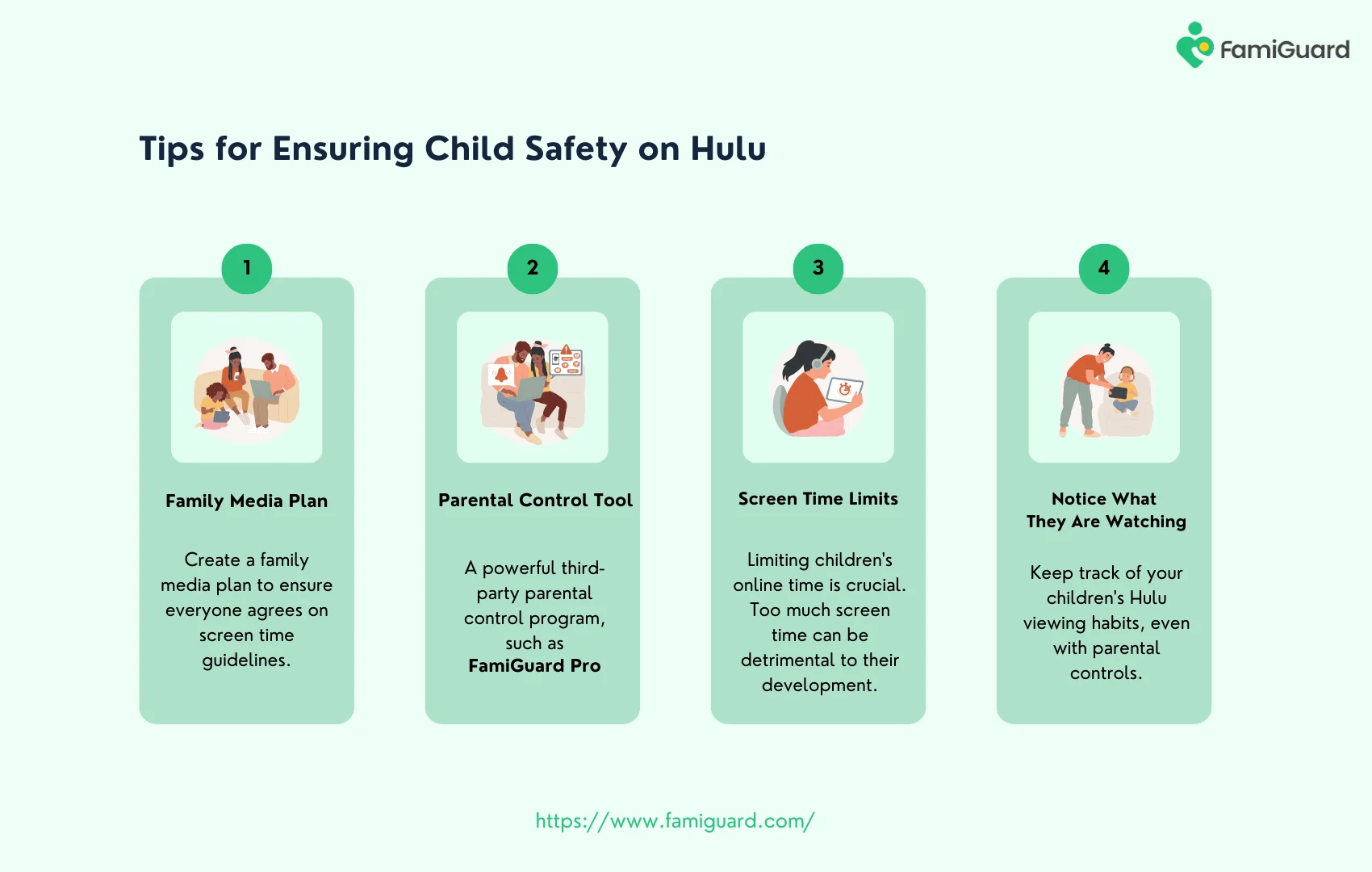
Profile-based restrictions and why they matter in a shared household
Profiles are important because they keep recommendations, watch history, and content access separate. In a shared household, that separation helps prevent one child from browsing through adult viewing history or landing on a show that is not meant for them.
Think of profiles as the first layer of structure. They do not replace parenting, but they make the home setup much easier to manage.
TV ratings, content ratings, and what Hulu can and cannot block
Hulu uses rating-based controls to help limit what appears in a profile. Those settings can reduce access to mature content, but no system is perfect, and parents should still review what is available in their own region and plan.
Note: Ratings are helpful, but they are not a full substitute for supervision. A title may fit a rating category yet still contain themes that do not match your child’s maturity level.
Device context: smart TVs, tablets, phones, and streaming sticks
Device type matters because kids often use Hulu in different ways depending on where they are watching. A family room TV may be supervised more often than a bedroom tablet, and that changes how strict your rules need to be.
If your household uses multiple devices, check each one after setup. The same account can behave differently on a smart TV app, a mobile app, or a streaming stick interface.
Do not assume one profile change automatically fixes every device in the home. After updates, sign-ins, or new hardware, verify the settings again.
Step-by-Step Setup: Building a Kid-Safe Hulu Experience
A safer setup usually takes only a few steps, but it is worth doing carefully. The strongest protection comes from combining separate profiles, maturity settings, and account safeguards.
Creating separate profiles for kids and adults
Start by creating one profile for each child or age group, plus separate adult profiles. This keeps recommendations cleaner and makes it easier to see whether the right person is using the right account.
For younger children, a dedicated kids profile is usually the simplest option. For older children, a more flexible profile may work better if you want to allow age-appropriate independence while still keeping boundaries in place.
Adjusting maturity settings and content access
Once profiles are set up, review the maturity level attached to each one. Choose the lowest setting that still fits the child’s age and your family’s comfort level.
It helps to think in terms of everyday situations. A preschool profile should usually be limited to very familiar, low-stress content, while a middle school profile may need more nuanced limits that still avoid adult themes.
If you are unsure where to start, set the profile more restrictively at first. You can always loosen access later after you see how your child responds to the available shows.
Using PINs, account locks, and purchase safeguards where available
If Hulu offers PIN protection or account controls in your plan or device setup, use them. These features make it harder for kids to switch into an adult profile or change settings without permission.
Also review any device-level purchase safeguards. A child may not be trying to buy anything on purpose, but a few taps on a connected device can still create unwanted access or charges.
Checking settings after app updates or device changes
Updates can shift menus, reset preferences, or move settings into new locations. Any time you add a device, reinstall the app, or change a password, take a moment to confirm the profile rules are still active.
Note: A quick check after changes is one of the easiest ways to avoid surprise access later.
Age-Appropriateness Notes for Different Stages of Childhood
Age matters because children do not process content the same way at every stage. The right Hulu setup is less about a perfect formula and more about matching the controls to the child’s developmental needs. [Source: Scholastic]
Preschool and early elementary: choosing low-stress, highly supervised viewing
For younger children, keep the setup simple and predictable. A kids profile, limited watch time, and adult supervision during selection usually work better than giving them broad browsing freedom.
At this age, children often respond best to routines. If streaming happens only at certain times and in certain places, the boundaries become easier to understand.
Middle school: balancing independence with guardrails
Middle school is often the stage where children want more control over what they watch. That does not mean removing all rules; it means making the rules clearer and more age-aware.
You may decide to allow a broader profile while still limiting mature content, autoplay, or late-night viewing. The goal is to support growing independence without handing over the entire account.
Teens: privacy, trust, and conversations about mature content
Teenagers often need a different approach. They may want privacy, but they still need guidance about what is appropriate, what is off-limits, and how to ask questions about content that feels confusing or uncomfortable.
For teens, a family conversation may matter more than a strict technical block. When trust is part of the plan, the controls become a support tool rather than the only rule.
When a “kids profile” is not enough
A kids profile is useful, but it is not always enough on its own. Some children move quickly through recommendations, and some devices make it easy to switch profiles if no PIN is in place.
If your child is especially curious, or if they share devices with older siblings, you may need a combination of profile restrictions, device supervision, and house rules.
Family Humor Angle: How Jamie Reed Keeps Streaming Rules Light Without Losing the Point
At PunRealm, the best family humor is the kind that lowers tension without weakening the message. When parents talk about streaming rules, the tone should stay clear, calm, and respectful.
Humor works best when it clarifies the situation, not when it distracts from the safety rule. In parenting content, the joke should support the message, not replace it.
Joke craft tips for parenting content: relatable setup, clean punchline, and zero shaming
A good family-friendly joke usually starts with a shared experience: the remote is missing, the profile is wrong, or the app suddenly knows the child’s favorite cartoon better than the parent does. That setup helps readers recognize themselves without feeling judged.
The punchline should be clean and brief. The best version leaves space for the parent to nod and say, “Yes, that is exactly what happened here.”
Delivery advice for a newsletter, school handout, TikTok caption, or parent assembly
Different settings need different levels of polish. A newsletter can handle a little more personality, while a school handout should stay more direct and practical.
On TikTok, a short caption works best when it is quick and readable. In a parent assembly, the tone should be warm but not performative, because the audience is there for guidance, not a comedy routine.
Relatable humor works because it names a familiar parenting moment without exaggerating the problem. If the audience feels seen, they are more likely to stay engaged with the advice that follows.
Using humor to lower resistance when introducing streaming rules at home
Humor can make a rule feel less like a lecture. A calm, lightly humorous explanation often gets more cooperation than a long warning delivered in a frustrated tone.
That said, humor should never make the rule feel optional. The message still needs to be clear: profiles matter, time limits matter, and adults make the final call.
Common Humor Mistakes to Avoid When Talking About Parental Controls
Humor can help, but it can also backfire if the tone is off. When you are talking about parental controls, the safest approach is to be encouraging rather than sarcastic.
Overdoing sarcasm or sounding dismissive about real parenting concerns
Parents are often already tired when they are dealing with screen-time issues. A joke that makes the concern sound silly can feel alienating instead of helpful.
Keep the tone supportive. The goal is to reduce stress, not to imply that the problem is exaggerated.
Using jokes that confuse the setup instead of clarifying the rule
If the joke is too clever, the audience may remember the wording but forget the point. In parenting content, clarity matters more than a complicated punchline.
Simple humor usually works better than layered wordplay when you are explaining account settings or age limits.
Turning the child into the punchline rather than the situation
Children should not be the target of the joke. The situation, the app behavior, or the family routine can be funny; the child should not feel embarrassed or singled out.
This is especially important in school or community settings, where a joke can land very differently depending on the child’s age and sensitivity. [Source: EPA]
Missing the tone match for school, social media, or family newsletter contexts
A joke that works in a casual caption may not work in a formal handout. Always match the tone to the setting, the age group, and the amount of trust you already have with the audience.
If you are unsure, choose the safer version. Clear and useful beats clever and confusing.
Practical Streaming Habits That Make Hulu Parental Controls More Effective
Settings help, but habits make them stick. Families get the best results when the app setup and the daily routine work together.
Co-viewing and check-ins instead of relying only on settings
Watching together, even occasionally, gives parents a better sense of what a child is seeing. It also creates natural opportunities to talk about characters, themes, and questions that come up during a show.
Short check-ins matter too. Asking what a child is watching is often more effective than waiting until a problem appears.
Watchlists, autoplay awareness, and time-of-day limits
Watchlists can be helpful, but they need occasional review. A child may add a show that looked harmless at first but does not fit your family’s rules later on.
Autoplay is another setting worth watching closely. If your child tends to fall asleep with the TV on, or keeps watching late, time-of-day limits can help keep streaming from drifting into unhealthy habits.
Do not assume a watchlist is the same as a safety filter. It helps organize content, but it does not replace profile limits or parent review.
Talking with kids about why boundaries exist
Children usually handle rules better when they understand the reason behind them. Explain that the limits are there to keep content age-appropriate, not to punish curiosity.
That conversation can be short and practical. “This profile is for you because it matches what we want you to see right now” is often enough.
What to do if a child finds a workaround
If a child changes profiles, uses a different device, or gets around a limit, treat it as a systems problem first. Check the settings, tighten the PIN, and review access points before assuming defiance.
Then have a calm conversation. The aim is to correct the setup and the behavior without turning the moment into a bigger conflict than it needs to be.
Final Recap: Safer Hulu Streaming with Clear Rules, Smart Settings, and a Little Humor
Hulu parental controls work best when families use them as part of a bigger plan. Separate profiles, maturity settings, PIN protection, and regular check-ins all help keep viewing age-appropriate.
Quick summary of the most useful Hulu parental controls steps
Start with separate profiles, set the strictest sensible maturity level, and review settings on every device. Then add house rules about when and where streaming happens.
If you want a lighter way to keep family communication friendly, PunRealm also offers clean content like clean space jokes captions for low-pressure, family-safe sharing.
Why consistency matters more than perfection
No streaming setup is perfect forever. Apps update, devices change, and children grow into new stages faster than parents expect.
What matters most is consistency. A steady routine with clear expectations is usually more effective than a one-time setup that is never checked again.
Closing takeaway from PunRealm: keep the laughs family-friendly and the streaming safer
Good family humor can support good family habits, as long as it stays respectful and clear. The same is true for streaming rules: keep them simple, keep them visible, and keep adjusting them as your child grows.
For parents who want more light, family-safe content, a playful break like space jokes 2026 can be a reminder that clean entertainment and thoughtful boundaries can work well together.
Frequently Asked Questions
Hulu parental controls mainly use profiles and maturity settings to limit what each viewer can access. Parents should also review device settings and check for PIN protection where available.
Hulu can help limit mature content, but no streaming system blocks every possible concern. Parents should still review shows and keep supervision in place for younger children.
Yes, separate profiles make it easier to match content to age and keep recommendations organized. They also help prevent children from browsing adult viewing history.
A kids profile with the strictest sensible maturity setting is usually the safest starting point. Add supervision, time limits, and PIN protection if your plan or device supports it.
Not always. Smart TVs, tablets, phones, and streaming sticks can behave differently, so parents should verify settings on each device after updates or sign-ins.
First, tighten the settings and check for missing PIN protection or device access points. Then have a calm conversation about why the family rules exist and how to follow them.