

Hulu parental controls help families manage profiles, PIN access, and age-appropriate viewing across shared devices. They work best when paired with clear household rules and regular supervision.
Hulu parental controls can help families manage what children watch, when they watch, and which profiles they can access. The settings are not a full substitute for supervision, but they are a practical layer of protection for everyday streaming at home.
- Profiles matter: Separate child and adult viewing to reduce accidental access.
- PINs help: Protect mature content and profile switching where available.
- Check devices: Review settings on TVs, phones, tablets, and browsers.
- Match age and maturity: Adjust limits as children grow and viewing needs change.
- Use family rules: Combine app controls with bedtime and screen-time routines.
Why Hulu Parental Controls Matter for Family Streaming in 2026
Streaming has become part of ordinary family life, which makes content limits more important, not less. Parents are usually trying to solve three problems at once: age-appropriate viewing, screen-time boundaries, and the simple need to know a child is not wandering into content that is too mature.
Hulu parental controls matter because families rarely use one device in one way. A child may start a show on the living room TV, continue on a tablet after school, and then try to reopen the app from a shared account later that night. The control tools are designed to make that routine safer and easier to manage.
What parents are trying to solve: age-appropriate viewing, screen-time boundaries, and peace of mind
Most parents are not looking for perfect control. They want reasonable guardrails that match their child’s age and maturity. That usually means setting boundaries around mature titles, limiting accidental access to adult profiles, and reducing the chance of a child clicking into something that does not fit the household’s values.
Peace of mind matters here. If the settings are clear and consistent, parents spend less time checking every screen and more time actually living the family routine.
How Hulu fits into real family routines: living room TV, tablets, bedtime streaming, and shared accounts
Hulu is often used in shared spaces, which is exactly where parental controls become most useful. A TV in the living room is easy to monitor, but a tablet in a bedroom or a phone during a car ride is much harder to supervise directly.
Families also tend to share logins across multiple people. That makes profile separation especially important, because the app should reflect the difference between a parent’s viewing needs and a child’s viewing limits.
How Hulu Parental Controls Work Across Profiles and Devices
Hulu’s main parental control structure is profile-based. In practice, that means the limits are tied to the profile a child uses, rather than to one universal setting for the entire account. That is helpful in multi-child households, where one child may be ready for more mature content than another.
Profile-based restrictions, PIN protection, and content rating settings
The most useful controls usually include child-friendly profiles, content rating restrictions, and PIN protection for mature content or profile changes. When set up well, these tools reduce the odds that a younger viewer can open an older sibling’s profile and access shows outside their age range.
family-friendly viewing routines are easier to maintain when each profile has a clear purpose. The same idea applies to Hulu: separate profiles are more effective than trying to rely on memory alone.
What changes on smart TVs, mobile apps, web browsers, and streaming devices
The settings may look slightly different depending on where Hulu is opened. Smart TVs often make it easier to browse on a shared screen, while mobile apps can feel more private and easier for a child to use alone. Web browsers may show account settings in a different layout, and streaming devices can vary by manufacturer.
The important point is not the menu design; it is whether the restriction stays active on every device your family uses. A setting that works on one screen but not another can create confusion fast.
Where Hulu’s controls help most—and where parents still need to supervise
These controls are strongest at blocking access and organizing profiles. They are less effective at judging context, tone, or whether a child is emotionally ready for a storyline that is technically within a rating category.
age ratings and content labels are helpful starting points, but they do not replace parental judgment. A parent may still need to co-view a new series, especially if the child is sensitive to suspense, language, or themes that are hard to predict from a label alone.
Setting Up Hulu Parental Controls Step by Step
Setup is usually straightforward, but it helps to move slowly and check each step. A careful setup today can prevent repeated arguments later about what is allowed and what is not.
Creating child-friendly profiles and assigning age-appropriate ratings
Start by creating a dedicated profile for each child when possible. That makes it easier to match the viewing limit to the child’s age, maturity, and daily routine.
Then assign the most appropriate rating level for that child. A preschooler and a tween should not share the same assumptions about what is acceptable, even if they sometimes share the same couch.
After you set a profile, open it once yourself and test what the child will actually see. It is easier to catch a loose setting before a child does.
Locking mature content with a PIN and preventing profile switching
Use a PIN wherever Hulu offers it for mature content or account changes. The goal is to make it inconvenient for a child to move outside the intended profile without adult help.
This matters most in homes where older siblings are more tech-savvy. If profile switching is easy, the restriction is weaker than it looks on paper.
Do not assume a child will stay in the correct profile just because you explained the rule once. If the app allows switching without a PIN, the setup needs a stronger barrier.
Checking settings after app updates or device changes
App updates, new devices, and account changes can sometimes shift menus or reset expectations. It is smart to recheck the profile settings after a major update or after adding a new TV, phone, or tablet to the household. [Source: Scholastic]
If your family uses multiple devices, treat Hulu settings like car seat straps or bedtime rules: worth revisiting regularly, not just once.
Age-Appropriateness Notes for Different Kids and Households
Age is only one part of the decision, but it is a useful starting point. Children differ in attention span, sensitivity, and ability to understand fictional conflict, so the right level of restriction can vary a lot from one home to another.
Preschool, elementary, tween, and teen viewing needs
Preschoolers usually need the simplest setup: a narrow content range, easy-to-recognize profiles, and direct supervision. Elementary-age children may be ready for a little more independence, but they still benefit from clear limits and predictable routines.
Tweens often want more freedom, which is exactly when profile settings and conversations need to work together. Teens may not need constant checking, but they still benefit from household rules about content choices, especially when profiles are shared across devices.
When a profile limit is enough versus when direct co-viewing is smarter
A profile limit can be enough when the child is watching familiar, low-risk content and understands the household rules. Direct co-viewing is smarter when the show is new, emotionally intense, or likely to raise questions about violence, relationships, or language.
Parents can also use co-viewing as a teaching moment. That does not mean turning every episode into a lecture; it just means being available to explain why a title is allowed or not allowed.
Special considerations for blended families, shared homes, and after-school streaming
Blended families and shared homes often need extra clarity because different adults may have different expectations. In those settings, the profile names, PIN rules, and rating limits should be written down or agreed on clearly so children do not receive mixed messages.
After-school streaming can also be a weak spot because children are tired, unsupervised, and more likely to click quickly. A consistent rule for that time of day can help more than a complicated explanation.
Jamie Reed’s Family Humor Angle: How to Keep the Rules Clear Without Killing the Fun
Clear rules do not need to sound harsh, and they work better when adults explain them with calm, age-appropriate language. In family settings, the most effective humor is usually light, brief, and supportive of the rule rather than aimed at the child.
Joke craft tips for parents: keep it short, relatable, and never the punchline of the child
When parents use humor to explain a streaming rule, the best approach is to keep it short and relatable. A quick line about “the grown-up profile staying grown-up” can ease tension without turning the child into the joke.
The purpose is clarity, not performance. If the humor distracts from the rule, it has done the opposite of what you need.
Humor works best when it supports the boundary. If a child is already upset about a limit, a clever line may feel dismissive instead of reassuring.
Delivery advice for family settings: TV night, school newsletter notes, TikTok-style quick bits, and classroom or assembly-friendly humor
In TV-night settings, humor should be brief and warm so it does not interrupt the routine. In a school newsletter note or classroom setting, the tone should be even more neutral, because not every family shares the same media rules.
Short, clean wording also matters in quick social formats like a TikTok-style clip. The message should be easy to understand in one pass, especially if parents are using it to explain a rule to older kids or caregivers.
Common humor mistakes: sarcasm that confuses kids, teasing that feels mean, and jokes that undermine the rules
Sarcasm can confuse younger children because they may take the statement literally. Teasing can also backfire if it makes the child feel embarrassed about a limit they did not choose.
The biggest mistake is joking in a way that makes the rule sound optional. If adults laugh off the boundary, children will often treat it as negotiable.
Best Practices for Safer Streaming Beyond the Hulu Settings
Hulu parental controls are useful, but safer streaming usually depends on several layers working together. The app settings, the device settings, and the family routine should all point in the same direction.
Combining Hulu controls with device-level restrictions and household screen-time routines
Device-level restrictions can help prevent app access, purchases, or profile changes outside Hulu itself. Household routines can add another layer by limiting where and when streaming happens.
For example, some families keep streaming to shared spaces after dinner and avoid private viewing right before bed. That kind of routine is often more effective than trying to police every click.
Talking to kids about content choices instead of relying only on locks and passwords
Children benefit when adults explain why certain shows are restricted. A child who understands the reason behind the rule is more likely to accept it than one who only sees a locked screen. [Source: WebMD]
This conversation does not need to be long. It just needs to be honest, calm, and repeated often enough that the rule becomes normal.
Using shared family rules for autoplay, bedtime cutoffs, and weekend exceptions
Autoplay can keep a child watching longer than intended, so it is worth reviewing. Bedtime cutoffs are also helpful because they keep streaming from quietly replacing sleep.
Weekend exceptions are fine when they are planned in advance. The key is consistency: children handle limits better when the exceptions are predictable rather than negotiated every time.
If you use humor to explain a family rule, make the rule the focus and keep the wording simple. The clearest line is usually the one children remember.
Common Hulu Parental Control Problems and How to Avoid Them
Most Hulu control problems are not dramatic; they are usually setup issues, forgotten passwords, or profile confusion. That is good news, because these problems are fixable with a little routine maintenance.
Kids switching profiles, forgotten PINs, and mismatched ratings
Kids may switch profiles if the app makes it easy, especially if an older sibling’s profile has looser limits. Forgotten PINs are another common issue, particularly in households where several adults share account access.
Mismatched ratings can also happen if the family assumes one setting covers every device. A quick review of the profile list and rating limits usually solves most of these headaches.
What to do when a show seems more mature than its label suggests
Sometimes a show’s label does not fully match how it feels in practice. A program may be technically within a rating but still include themes, language, or tension that a child is not ready for.
When that happens, trust your own judgment. Ratings are a guide, not a substitute for knowing your child.
Keeping controls current as children grow and streaming habits change
Children change quickly, and their viewing habits change with them. A setting that worked last year may now be too strict or too loose.
It helps to review Hulu parental controls on a regular schedule, such as at the start of a school year or after a child starts using a new device more independently.
Final Recap: The Smartest Way to Use Hulu Parental Controls for Family Peace
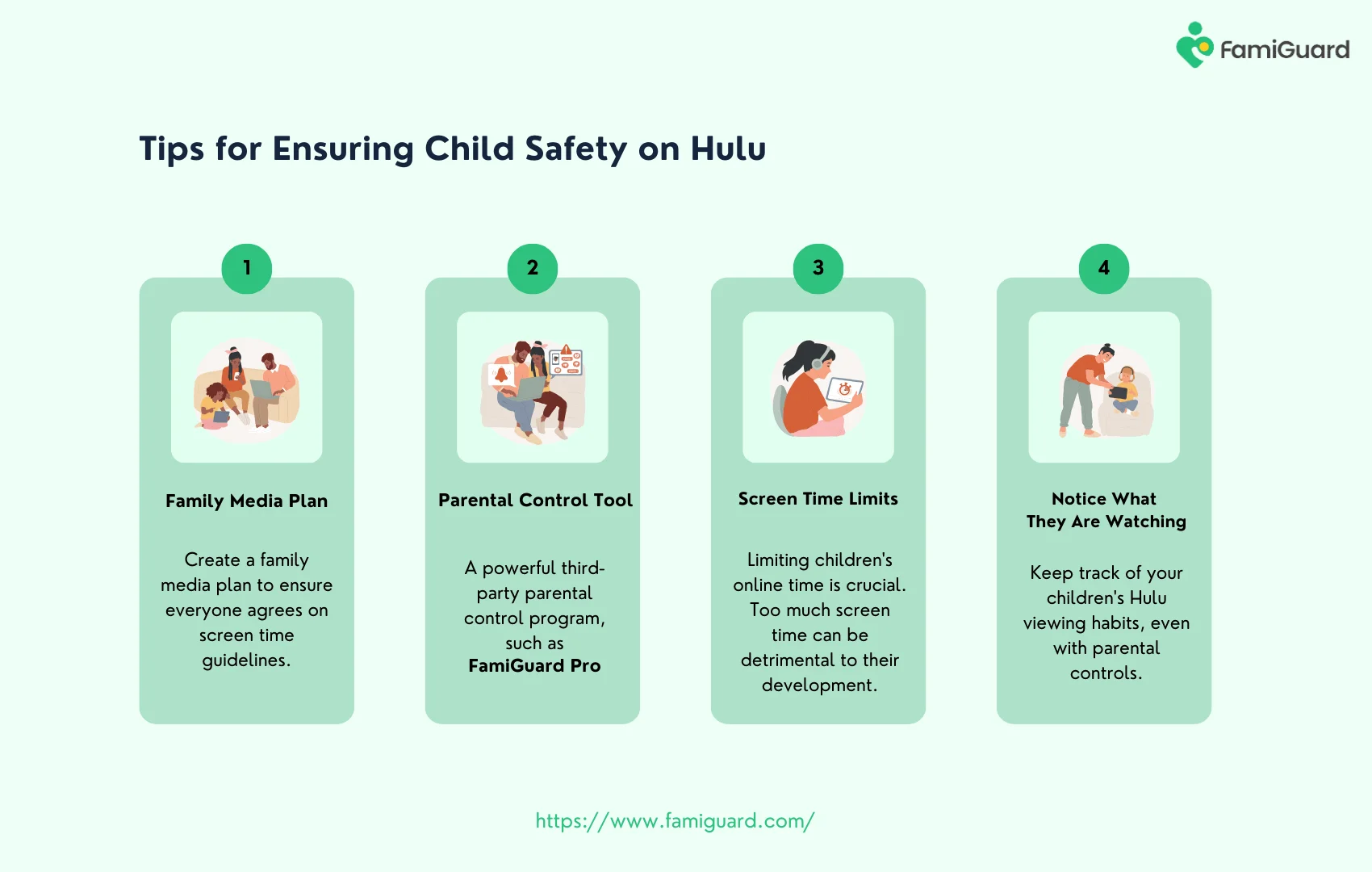
Hulu parental controls work best when parents use them as part of a larger family plan. That means setting up profiles carefully, using PINs where possible, checking devices after updates, and matching the rules to each child’s age and maturity.
Quick summary of setup, supervision, humor-friendly communication, and age-based adjustments
Start with child-friendly profiles and rating limits. Add a PIN, test the settings, and revisit them when devices change or children grow.
Use calm, simple communication to explain the rules, and keep any humor brief and supportive rather than distracting or teasing.
Closing takeaway: safer streaming works best when tech settings and family habits support each other
The strongest setup is not just a lock on the app. It is a combination of Hulu controls, household routines, and a parent’s judgment about what is appropriate for each child. That balance creates safer streaming and fewer surprises for everyone.
Frequently Asked Questions
Hulu parental controls mainly work through profiles, PIN protection, and content rating settings. Parents can use these tools to limit what children can access on shared accounts.
They can help across many devices, but the exact menus and behavior may vary by smart TV, mobile app, browser, or streaming device. It is a good idea to check settings on each screen your family uses.
No. They are a helpful layer of protection, but parents still need to supervise, especially for younger children or for shows with themes that may be more mature than their labels suggest.
Review settings whenever you add a new device, update the app, or notice your child’s viewing habits changing. A regular check every so often is also a smart habit for shared accounts.
Use a PIN or other account protection if Hulu offers it for profile changes or mature content. Also explain which profile belongs to the child and why the limit exists.
They can help, but teens usually need a mix of profile settings and ongoing conversations about content choices. As children get older, the best approach is to adjust restrictions while keeping expectations clear.